
Introduction: The Problem Everyone’s Talking About
Imagine this: You open Instagram, ready to drop a quick note to your close friends. Maybe it’s a joke, maybe it’s a reminder, maybe it’s just “Coffee first, then life.” But… nothing. No Notes bar above your inbox. The feature everyone is using just isn’t there.
If you’ve found yourself searching for an Instagram notes not showing fix, you’re not alone. Thousands of users on Reddit and Twitter complain about the same issue every week. Some blame Instagram’s glitches, others think it’s a setting they accidentally changed.
So what’s really going on? And, more importantly, how do you fix it so your Notes start working again? Let’s break it down.

What Are Instagram Notes & Why Do They Disappear?
Instagram Notes is a lightweight feature rolled out in late 2022 and expanded globally in 2023–2024. It lets you post a short status (up to 60 characters) visible in your friends’ inbox for 24 hours. Think of it like “old-school MSN status messages” reimagined for Instagram.
But the rollout wasn’t smooth. Users quickly noticed:
- Some accounts never got the feature.
- Notes disappeared randomly.
- Different regions got access at different times.
Why Notes might not show up:
- The feature isn’t available in your region.
- You’re using an outdated Instagram app.
- Your activity status is off.
- Account type restrictions (business vs. personal).
- Temporary server or cache issues.
Quick Fixes for Instagram Notes Not Showing
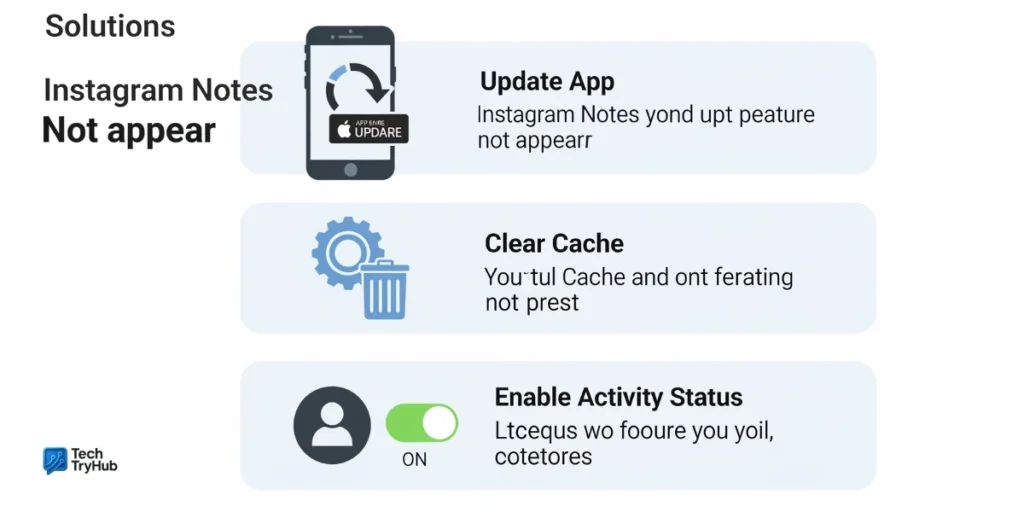
1. Update Instagram App
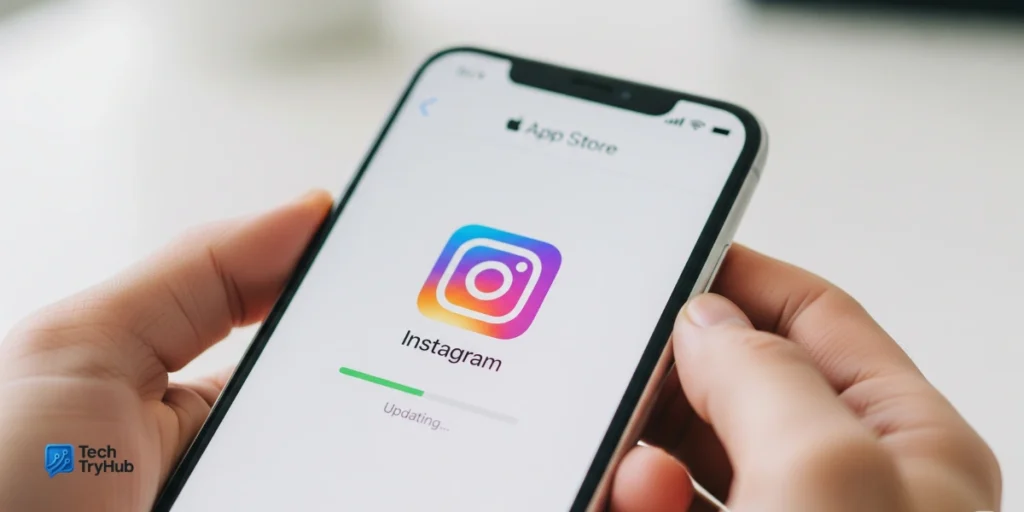
Notes is one of Instagram’s newer features, so older versions of the app may not support it.
- Go to App Store (iOS) or Google Play (Android).
- Search Instagram → Tap Update.
2. Turn On Activity Status
Notes only works if your Activity Status is enabled.
- Open Instagram → Settings → Privacy → Activity Status.
- Toggle Show Activity Status ON.
3. Restart or Reinstall the App
Sometimes the simplest fix works best. Restart your phone, or uninstall and reinstall Instagram to refresh cached data.
4. Switch Account Type
Some users report Notes only appearing after switching account types:
- Go to Settings → Account → Switch Account Type.
- Toggle between Personal, Business, or Creator.
5. Clear Cache (Android Only)
- Go to Settings → Apps → Instagram → Storage → Clear Cache.
6. Disable VPN
VPNs sometimes block region-locked features. Turn it off, restart Instagram, and check again.
Key Takeaways:
- Keep Instagram updated.
- Enable Activity Status.
- Try switching account type.
- Restart or reinstall the app.
- VPNs may block Notes availability.
Advanced Fixes (When Basics Don’t Work)
1. Join Instagram Beta
Beta versions often push features earlier. Join via Google Play Beta Program (Android) or TestFlight (iOS).
2. Try Another Device
Log into your account on a friend’s phone. If Notes appear there, the issue is device-related.
3. Verify Account Email & Phone
Incomplete account verification can restrict new features. Double-check your profile info.
4. Wait for Rollout
Sometimes it’s not you it’s Instagram. Features roll out gradually by country. For example, in early 2023, Notes was available in the US but rolled out months later in South Asia.
Table: Common Causes & Fixes
| Issue | Likely Cause | Fix |
|---|---|---|
| Notes missing entirely | Feature not rolled out | Wait or use VPN cautiously |
| Notes greyed out | Outdated app | Update app |
| Can’t reply to Notes | Account settings issue | Switch account type |
| Notes disappeared | Cache or server bug | Restart / reinstall |
| Only some friends’ notes visible | Activity status off | Enable activity status |
Real Stories: What Users Are Saying
On Reddit, one user shared: “I tried everything update, reinstall, even clearing cache. Notes only appeared after I switched back to a personal account.”
Another on Twitter joked: “Instagram Notes disappeared faster than my New Year’s resolutions.”
These stories highlight a key point: there isn’t one universal fix. You may need to try a combination before it works.
Key Takeaways:
- If Notes aren’t showing, try switching account type.
- Rollouts differ by region patience may be required.
- Real user experiences prove there’s no one-size-fits-all fix.
Expert Insight: Why Instagram Does This
According to social media strategist Clara Jennings (quoted in UpGrow, 2025):
“Instagram often rolls out features slowly to test engagement. Notes was designed to boost casual interactions, but it hasn’t been prioritized the same way as Stories or Reels. That’s why it feels inconsistent.”
This explains why even after years, some users still see glitches.
Conclusion
If your Instagram Notes are not showing, don’t panic. In most cases, it’s a simple fix updating the app, enabling Activity Status, or reinstalling. In tougher cases, switching account type or waiting for Instagram’s rollout is the only option.
At the end of the day, Notes is meant to be casual. If it’s not working yet, try these fixes, stay patient, and it will likely appear soon.
👉 Found this helpful? Share this guide with a friend who’s still struggling with Instagram Notes.
Your growth on Instagram starts today don’t let small glitches hold you back.
FAQ:(Instagram notes not showing fix)
1. Why don’t I have Instagram Notes?
Because the feature is either not rolled out in your region, your app is outdated, or your activity status is off.
2. How do I fix Instagram Notes not showing on iPhone?
Update your app, enable activity status, and reinstall if needed. On iPhone, also try logging out and back in.
3. Can business accounts use Instagram Notes?
Yes, but some users report issues. Switching to a personal or creator account often solves it.
4. Why did my Instagram Notes suddenly disappear?
This is usually due to cache glitches or temporary Instagram server issues. Restarting or reinstalling often brings them back.
5. Is Instagram Notes available everywhere?
Not yet. Instagram has been rolling it out region by region since 2022, with some countries receiving it later than others.
6. Is it possible to get Instagram Notes faster?
Yes joining Instagram Beta or switching to a different device sometimes unlocks the feature earlier.